Optimizing Your Next.js Site's Fast Origin Transfer and ISR Reads

A quiet problem I almost missed
I got one of those automated emails from Vercel that made me stop and read it twice.
My personal blog, a mostly static site with no video and lazy-loaded images, had already used more than 15 GB of outgoing bandwidth for the month. That was roughly three quarters of Vercel's free tier, and the reset was still weeks away.

Traffic here is steady, but not especially high. Something didn't add up.
So I did what I probably should have done sooner and opened the analytics dashboard.
It turned out nothing was wrong
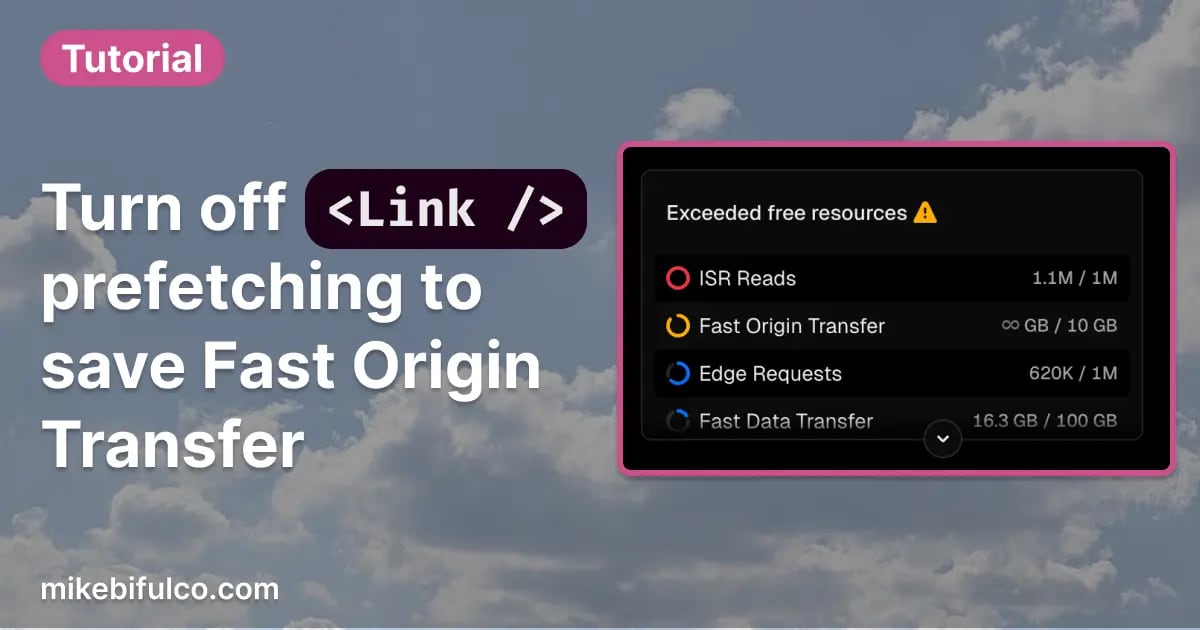
The bandwidth wasn't coming from bots, scraping, or hotlinking. It was coming from Fast Origin Transfer, which in Vercel's world is largely driven by prefetching.
Specifically, Next.js <Link> prefetching.
By default, every <Link> on the page prefetches its destination as soon as it enters the viewport. That's a reasonable default for many apps. Navigation feels instant, and most of the time you never think about it.
On my homepage, though, there are a lot of links visible right away. Post summaries link to articles and tags. The footer includes a long list of tag pages. There are navigation links, social links, and related content.
Altogether, more than sixty links were prefetching their target pages the moment someone loaded the homepage. On every visit.
How Next.js Link prefetching actually works
The short version is that the <Link> component in Next.js has a prefetch prop that defaults to true. In production, any link that enters the viewport automatically fetches the page it points to in the background.
This became more noticeable for me after upgrading to Next.js 16, which made prefetching behavior more aggressive by default. The framework is smarter about what it fetches now, but on pages with lots of links, the volume of background requests can still add up quickly. On Vercel, those requests are metered as Fast Origin Transfer.
The detail that made this fix viable for my site is that hover prefetching still happens even when viewport prefetching is disabled. When someone hovers a link, Next.js will still fetch what it needs before the click.
That means you can keep most of the perceived performance benefit without eagerly downloading dozens of pages that may never be visited.
One important caveat: this behavior depends on which router you're using. On the Pages Router, prefetch={false} disables viewport prefetching but still allows hover prefetching. On the App Router, prefetch={false} disables both. If you want hover-only behavior there, you'll need to call router.prefetch() yourself on mouse enter.
The changes I made
Rather than touching every <Link> by hand, I added a small wrapper component that flips the default to no viewport prefetching.
1// src/components/Link/Link.tsx2import type { ComponentProps } from 'react';3import NextLink from 'next/link';45type LinkProps = ComponentProps<typeof NextLink>;67/**8* Custom Link wrapper.9* Defaults prefetch to false to reduce background bandwidth usage.10*/11const Link = ({ prefetch = false, ...props }: LinkProps) => {12return <NextLink prefetch={prefetch} {...props} />;13};1415export default Link;
Then I updated imports across the site to use this wrapper instead of next/link directly.
1- import Link from 'next/link';2+ import Link from '@components/Link';
For the small set of links people are most likely to click, primarily the main navigation, I opted back into prefetching explicitly.
1<Link href="/newsletter" prefetch>2Newsletter3</Link>
That keeps the interface feeling fast where it actually matters.
The results
The number of background prefetch requests dropped immediately. Instead of sixty-plus fetches on every homepage visit, only a handful of intentional ones remained.
Based on early numbers and bundle sizes, I'm seeing something in the range of a 40 to 60 percent reduction in bandwidth usage. That's the difference between flirting with Vercel's free tier limits and staying comfortably under them.
| Metric | Before | After |
|---|---|---|
| Viewport prefetch | All visible links | Primary navigation only |
| Hover prefetch | Yes | Yes |
| Background bandwidth | ~15 GB/mo | Estimated 6-9 GB/mo |
When this is worth doing
This pattern makes sense if:
- You have pages with lots of visible links, like homepages or tag indexes
- Your pages prefetch non-trivial JavaScript bundles or data
- You're on Vercel's free or Pro tier and paying attention to bandwidth
- You've noticed Fast Origin Transfer climbing without an obvious cause
- You recently upgraded to Next.js 16 and saw a usage spike
It's probably not worth the effort if:
- Your pages have very few links
- Navigation speed matters more than bandwidth for your use case
- You're already prefetching intentionally and have bandwidth to spare
Trade-offs, honestly
The main downside is that the first click to a non-prefetched page might be slightly slower.
In practice, I haven't noticed it. Most people hover before clicking, and hover-triggered prefetching still kicks in. The perceived speed is nearly identical.
The wrapper component adds a small abstraction, but it also gives me a single place to control this behavior site-wide. If Next.js changes their defaults again, and they will, I only have one file to update.
Follow-up: another important change
After reviewing more of my analytics in PostHog, I realized I was getting loads of traffic from crawlers and bots that were trying to visit arbitrary page numbers on my site by appending them to the URL:
1https://mikebifulco.com/page/1172https://mikebifulco.com/page/93https://mikebifulco.com/page/28
In an attempt to make my site more friendly to people who somehow got a link to a page that didn't exist, I had set up a server-side redirect that would redirect to the first page -- this redirect was also triggering ISR reads each time it ran.
The change I made here was obvious in retrospect: visit a page that doesn't exist? 404. No additional checks, just the basics. No more ISR reads.
What I took away from this
- Sensible defaults aren't universal
- Prefetching is powerful, but it isn't free
- A small wrapper component can save real money
- It's worth occasionally checking what your framework is doing on your behalf
This is the kind of issue that only shows up when you've been running your own site for a while. Nothing was broken. It was just quietly inefficient.
You're not the only one
Once I started digging into this, I realized how common the problem is. There are long-running threads full of developers hitting the same wall: unexpected bandwidth spikes, climbing Fast Origin Transfer costs, and confusion about what prefetch actually does.
If you're dealing with this too, these are worth reading:
- Next.js prefetching and Vercel high Fast Data Transfer
- How to reduce fast origin transfer
- Please allow to globally disable prefetching
<Link>prefetching behavior
If you've run into similar surprises, I'm always curious to hear about them. You can find me on Bluesky or Threads.